

Image SEO Best Practices: How to Optimize Images for Google & Search Rankings?
- Kruti Varma /
- 2026-09-02 /
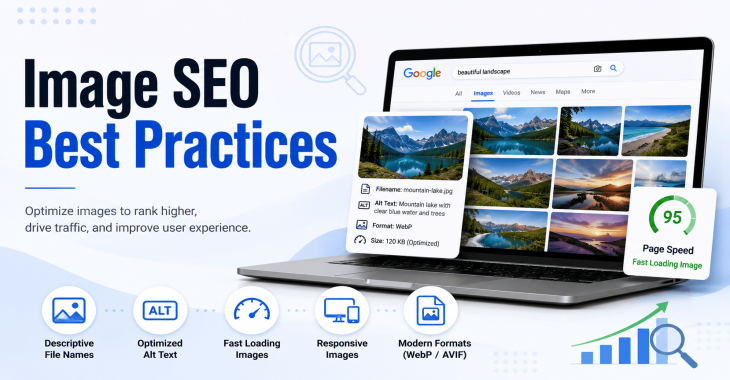
Images are a core part of user experience and can significantly impact search visibility. Properly optimized images improve page load times, accessibility, and discoverability in Google Images. This article covers practical Image SEO techniques you can implement today.
Two quick notes before we begin:
- Image SEO is not a single tactic. It’s a set of coordinated practices across file handling, on-page markup, accessibility, and performance.
- All recommendations below focus on real-world application without fabricating data or quotes.
READ MORE: Why Digital Marketing is Important for Small Business
What image SEO aims to achieve
- Faster pages for a better user experience
- Clear context about image content for search engines
- Accessible images for users with impairments
- Opportunities in image search to drive additional traffic
Understanding these goals helps prioritize tasks that have the biggest impact on rankings and user engagement.
File naming and image formats
Choose the right format
- Use JPEG for photographs and complex visuals where file size matters.
- Use PNG for images that require transparency or sharp text edges.
- Use WebP or AVIF when possible to reduce file size without noticeable quality loss.
- Avoid GIFs for compression reasons unless animation is required.
Descriptive file names
- Name files with a clear, human-readable description of the image content.
- Include relevant keywords only if naturally fitting; avoid keyword stuffing.
- Example: product-blue-widget-sideview.jpg
Proper sizing
- Upload images at or near the display size to minimize downscaling.
- Use responsive images (srcset) to serve appropriate sizes for different devices.
- Avoid oversized images that must be scaled down by the browser.
Alt text as a content signal
- Alt text should describe the image’s function and content.
- Include a primary keyword where it fits naturally, but avoid forced keywords.
- Keep alt text concise: typically 8–12 words for most images.
- For decorative images, use empty alt attributes (alt="").
On-page structure and semantics
Title attributes and surrounding context
- Use the image filename and alt text to reinforce topic signals for the page.
- Place images near relevant content so the surrounding text provides context.
Captions and figure elements
- Captions help users understand the image and provide additional text for search engines.
- Use the figure tag when the image is part of a larger concept; include a concise caption.
Structured data where appropriate
- Implement imageObject schema to describe key metadata when you have a rich media page.
- Include fields like url, name, description, and contentUrl if your CMS supports it.
- Do not add structured data for images that don’t convey unique information.
READ MORE: How to Do SEO for a Website: A Step-by-Step Guide
Image performance and delivery
Optimize file size without quality loss
- Compress images using lossless or lossy methods appropriate to the image type.
- Test different compression levels to balance quality and size.
- Keep a balance between file size reduction and visual fidelity.
Responsive delivery
- Use srcset and sizes attributes to serve the correct image for each viewport.
- Consider a separate art direction image strategy for hero banners or thumbnail grids.
- Leverage lazy loading for off-screen images to improve Core Web Vitals.
Caching and delivery networks
- Use cache headers to reduce repeated requests.
- Consider a CDN to serve images closer to users, improving load times globally.
Web fonts and image inflation
- Avoid unnecessary embedding of vector data or large sprite sheets that inflate image usage.
- Convert large data-heavy assets to optimized images or vector equivalents when possible.
Accessibility and user experience
Alt text as a functional description
- Ensure alt text conveys the image’s purpose in the context of the page.
- For images that convey a message or instruction, describe the action or outcome.
Visible image captions
- If the image adds meaning, provide a visible caption that reinforces its context.
Keyboard and screen reader testing
- Verify that image-focused content remains accessible through assistive technologies.
- Ensure focus outlines and meaningful alternative text are present.
Image indexing and search visibility
When Google Images matters
- Not all pages will rank in image search; prioritize images that complement the page topic.
- High-quality, relevant images on topic pages tend to perform better in both standard and image search results.
Avoid cloaking or misleading practices
- Do not use hidden content or deceptive image metadata to influence rankings.
Image XML sitemaps
- Include image entries in your sitemap when you have image-heavy pages.
- Ensure each image entry contains at least the image URL and caption or title.
READ MORE: SEO Audit for Small Business: Complete Step-by-Step Guide
Alt text, captions, and structured data: a practical workflow
1) Audit images on key pages
- Identify main hero images, product shots, and tutorial visuals.
- Check for missing or vague alt text.
2) Write precise alt text
- Describe the image content and its relationship to the page.
- Include keywords only if natural and relevant.
3) Add captions where helpful
- Use captions to provide additional context or highlight a key takeaway.
4) Apply imageObject structured data where useful
- If you publish rich media pages (tutorials, product showcases), add imageObject data to enhance presence in results.
Practical optimization checklist
- File formats: JPEG for photos, PNG for transparency, WebP/AVIF where supported.
- File names: descriptive and keyword-relevant without stuffing.
- Alt text: concise, descriptive, and contextually relevant.
- Captions: use when they add context or value.
- Image dimensions: match display size; avoid excessive upscaling.
- Responsive images: implement srcset and sizes.
- Lazy loading: defer off-screen images.
- Caching: leverage browser caching and CDN delivery.
- Accessibility: ensure all essential images are accessible to screen readers.
- XML sitemaps: include image entries for important pages.
READ MORE: 7 Best SEO Hacks that Increase Your Search Traffic in 60 Days
Images in technical and data-heavy content
Charts and diagrams
- Provide alt text that explains the chart’s purpose and the key takeaway.
- If data is crucial, offer an accessible data table for screen readers.
- Use vector-based image formats (SVG) when appropriate for scalability and crispness.
Screenshots and tutorials
- Use high-contrast, legible text in screenshots.
- Include a short caption describing what the screenshot demonstrates.
- Provide an alternative text that summarizes the action shown.
Common pitfalls to avoid
- Over-optimizing alt text with primary keyword in every image.
- Ignoring lazy loading on long-form pages.
- Serving a single image size across all devices.
- Neglecting accessibility and captioning on media-rich content.
Measuring impact and iteration
- Track image-specific metrics in your analytics tool (load time, on-page engagement, image click-throughs).
- Monitor Core Web Vitals related to image performance (largest contentful paint, first input delay, cumulative layout shift).
- A/B test image formats and lazy loading strategies on select pages to identify performance gains.
READ MORE: Why is it Important to Hire SEO Company For Your Business?
Conclusion or Takeaways
- Image SEO is a multi-layered practice combining performance, accessibility, and semantic context.
- Start with proper formats, descriptive naming, and accessible alt text.
- Deliver images responsibly with responsive techniques and caching to boost rankings and user experience.
Recent Blogs
-
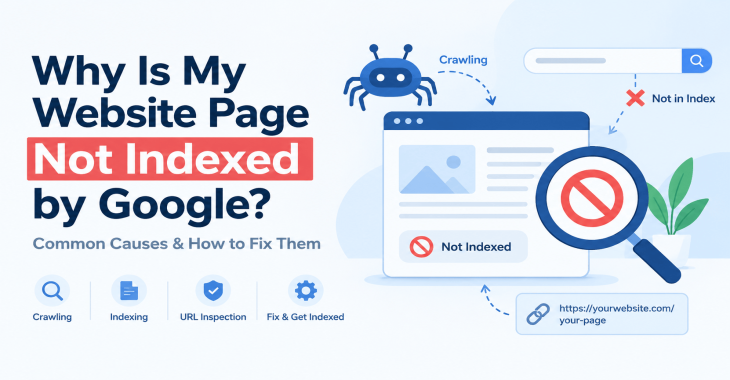
Why Is My Website Page Not Indexed by Google? 12 Reasons & How to Fix It
Posted ::2026-09-24
-
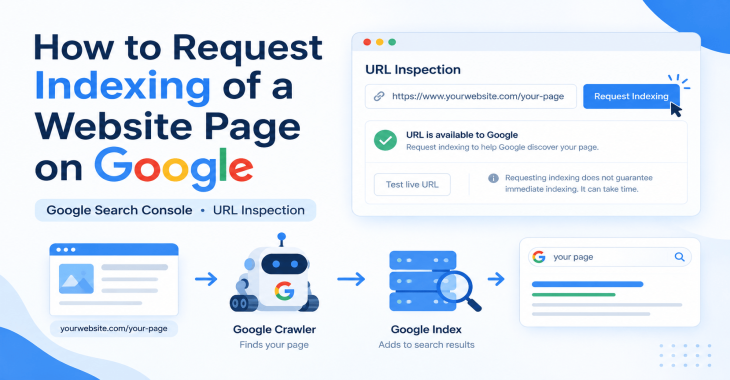
How to Request Indexing of a Website Page on Google?
Posted ::2026-09-19
-
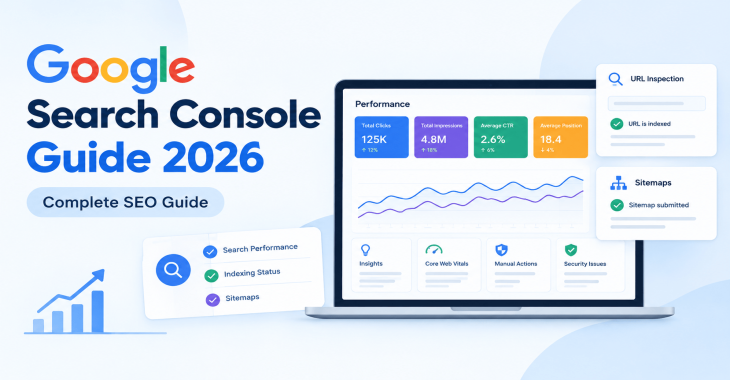
Google Search Console Guide 2026: Complete Beginner’s Guide
Posted ::2026-09-18
-
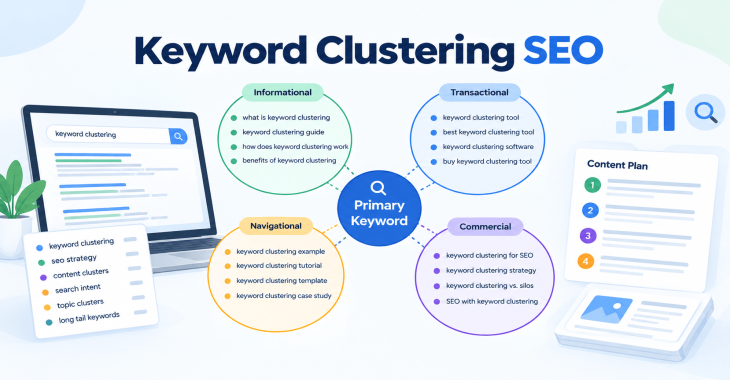
Keyword Clustering SEO: How to Group Keywords for Better Rankings
Posted ::2026-09-12
-
SEO Audit Checklist: 50+ Steps to Audit Your Website
Posted ::2026-09-11


Our FAQ’s
What is digital marketing?
Digital marketing involves marketing to people using Internet-connected electronic devices, namely computers, smartphones and tablets. Digital marketing focuses on channels such as search engines, social media, email, websites and apps to connect with prospects and customers.
What does a digital marketer do?
Digital marketing has evolved to the point where an immense array of specialists consult with brands to develop effective strategies or implement programs. If you’re new to digital marketing, or lack experience or resources, you should consider engaging an experienced and versatile digital marketing consultant.
Would my business benefit from digital marketing?
Definitely. Though companies in many business categories continue to approach digital marketing with skepticism, avoiding digital marketing denies your business access to the media the majority of consumers turn to first and at all hours of the day.
What’s the biggest mistake digital marketers make?
Blowing their own horn. Yes, of course, the primary goal of marketing is to create leads. However, in the age of digital media a brand-centric, salesy approach deflects interest in your company. Make your marketing customer-centric. Second biggest mistake: Far too often, digital marketers start and stop. You need to contribute a steady flow of content to the channels you use.
How often should I update my website?
Websites that go for long periods with no updates and new content are unlikely to perform well or support any useful digital marketing objectives. Though a static website technically qualifies as a website it’s bound to be more than a digital brochure that produces little or no leads.
What do I need to know about mobile?
Mobile phones are the most used technology in the world. Most of your prospects spend the majority of their media time—and hours—using a smartphone. Mobile marketing focuses on mobile strategies like messaging, mobile applications, and mobile websites. A brand that ignores mobile marketing is doomed.
What is content marketing?
Content marketing is the creation and distribution of educational and/or entertaining information assets for the purpose of generating brand awareness, traffic, leads and sales. Marketing content is generally free and does not explicitly promote your brand as an ad would.
What’s involved in creating a content marketing strategy?
A content marketing strategy is a plan for building an audience. Elements of content marketing strategy include establishing objectives, audience personas, a value proposition, content marketing mission statement, a buyer journey map, and plans for creating, promoting and analyzing how content marketing assets and programs perform.
Do I need a blog?
Email, social media, search and other elements of your digital marketing mix will depend on delivering useful content. Though video outlets, podcasts, and media galleries present other options, a blog is by far the most used tactic for distributing marketing content on a channel over which you have complete control.
What content should we create?
There can be no all-encompassing answer to this question except to say you should create content buyers will find relevant and useful. Leading candidates include blog posts, articles, ebooks, infographics, microsites, videos, courses, case studies, newsletters, visuals and various forms of interactive content.
What is SEO?
Search engine optimization (SEO) is the process of using onsite and offsite tactics to help get content presented by a search engine. Done well, the practice increases the quantity and quality of your traffic.
Why is SEO important?
The majority of web traffic is generated by search and those that come by way of search have a greater degree of commercial intent than most other channels.
What is local SEO?
Local SEO is the process of optimizing your online properties to generate traffic from location-based searches. It helps businesses promote products and services to local customers when they need them.
What are keywords?
Keywords are the words and phrases searchers use—usually with search engines—to find relevant pages, images, videos, or any kind of information when looking for answers, knowledge, products, or services. SEO professionals consider keywords and the topics they suggest when optimizing content for search.
What determines search engine rankings?
This question is the source of endless speculation and debate because search engine companies such as Google will not answer it. Experts generally agree rankings are based on relevance and authority, but the factors that determine them are many—and inconsistent. The best way to achieve a high search engine ranking is to create one of the most thorough web pages possible for a specific keyword or topic.
What is PPC?
PPC stands for pay-per-click. Essentially, it’s a way of buying web traffic. Advertisers pay a fee each time one of their ads is clicked. Search engine advertising is the most popular form of PPC, however numerous channels including Facebook now offer PPC ad models.
Why is social media important?
Chances are your audience is active on one or more of the major social networks where billions of people spend time daily. Brands that understand the power of social media marketing and commit resources to it can boost awareness, drive traffic, interact with customers, drive sales, build loyalty, and win advocates.
What is a lead magnet?
A lead magnet is a free offer you make in exchange for an email address (and possibly additional information). The purpose is to inspire prospects to join your email list by offering something of value. Examples include an ebook, guide, report, assessment, cheat sheet, tool, template, webinar, course, or a coupon.
What is a call to action?
A call to action (CTA) is a prompt that instructs the viewer to take a specific action. A call to action is typically written as a command, such as “Buy Now.” In digital marketing a CTA generally takes the form of a button or link.
How long does it take to see results?
Paid digital marketing programs should create results immediately. On the other hand, programs such as content marketing, email list building, and search engine optimization require persistence and patience. You might see some results in a matter of months; however, it’s likely to be six months to a year before you realize some of your traffic and conversion objectives.