

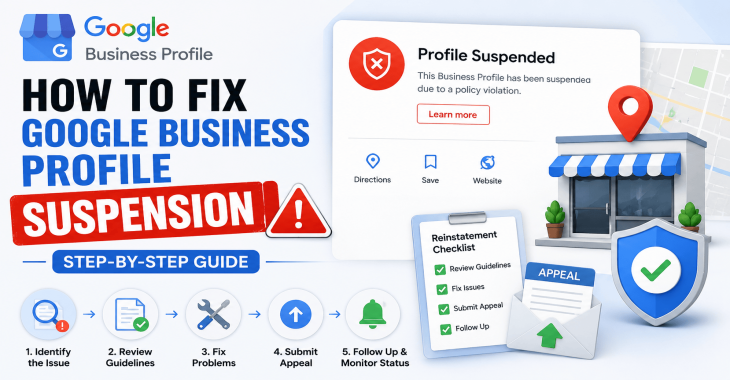
How to Fix Google Business Profile Suspension: Step-by-Step Guide
- Kruti Varma /
- 2026-08-22 /
Google Business Profile suspension can halt customer access to your business listing, impacting visibility and trust. This guide provides a technical, step-by-step approach to resolve suspensions and restore your profile.
Start by identifying the suspension type and gathering supporting information. Then follow the checks and requests in a structured sequence to improve your chances of reinstatement. The process emphasizes compliance, documentation, and precise appeals.
Understanding the Google Business Profile Suspension
Why a profile gets suspended
- Violations of Google’s listing policies can trigger suspensions. Common causes include misrepresentation, unauthorized changes to business information, spammy content, or multiple profiles for one location.
- Suspensions can be hard or soft. A hard suspension hides the listing entirely; a soft suspension may reduce visibility or restrict certain features.
How Google communicates the issue
- Google typically emails the account owner and displays a notification in the Manage Locations dashboard.
- The notification describes the policy concern and the action required to request reinstatement.
Prepare Your Case
Compile essential documentation
- Business name, address, and phone number (NAP) details as listed on the profile and on official documents.
- Proof of operating hours and service areas, if applicable.
- Licenses, permits, or registrations relevant to your business category.
- Photos of the storefront, interior, and any branding materials that show legitimacy.
Audit your Google Business Profile
- Review all listed categories and attributes for accuracy and relevance.
- Verify your location and service areas align with real-world operations.
- Check for duplicate or secondary profiles that may violate policy.
READ MORE: Google Business Profile Optimization Guide (2026): Proven Tips to Rank #1 on Google Maps
Immediate Actions After Suspension Notice
Stabilize your information
- Make sure the business name is accurate and consistent with public records.
- Confirm the address matches official documents and is accessible to customers.
- Adapt the primary category to reflect core services without exaggeration.
Remove or correct risky content
- Delete any posts, photos, or attributes that could be construed as misleading or low quality.
- Clear any inconsistent hours or holiday schedules that don’t reflect actual operations.
Build a Strong Reinstatement Case
Align with policy requirements
- Review the Google Business Profile policies for your country and industry.
- Ensure your listing adheres to guidelines around name accuracy, category selection, and location representation.
Prepare a precise reinstatement request
- Use a concise, factual narrative describing the issue and corrective actions taken.
- Attach relevant documentation: updated business information, licenses, lease or utility bills, and official signage if available.
- Include a clear timeline of changes made since the suspension began.
Submitting the Reinstatement Request
Access the reinstatement workflow
- Log in to the Google Business Profile Manager.
- Open the location with the suspension notice and locate the appeal or reinstatement option.
- If multiple locations are affected, address them individually to avoid confusion.
Craft the appeal message
- State the specific policy you believe was violated and how you corrected it.
- Avoid accusatory language; present facts and supporting documentation.
- Request a review within the standard timeframes and specify preferred contact details.
What Eligible Documentation Looks Like
Types of proof to attach
- Official business registry or tax documents with the same business name and address.
- Utility bills or lease agreements showing the physical location.
- Photos of storefront signage, interior branding, and curb appeal that clearly display the business name and address.
- Licensing or permits relevant to your service area.
How to organize attachments
- Label each attachment with a descriptive title (e.g., “Lease Agreement - 123 Main St - 2024-12-01”).
- Provide a brief caption for each image noting what it proves.
- Keep file sizes reasonable to ensure the review system can process them quickly.
After Submitting: Monitoring and Next Steps
Track the review status
- Revisit the reinstatement page periodically to check for updates.
- If the status remains unchanged beyond typical review windows, consider submitting a follow-up inquiry with new supporting information.
Prepare for potential follow-up requests
- Google may request additional documentation or clarifications.
- Respond promptly with clear, updated materials to avoid delays.
READ MORE: How to Fix Google Business Profile Not Showing on Google Maps?
Common Pitfalls and How to Avoid Them
Inaccurate or inconsistent business details
- Ensure the business name, address, phone number, and website URL match across online references.
- Avoid using generic or speculative keywords in the business name.
Policy misinterpretation
- Misunderstanding policy language is a frequent cause of failed reinstatement attempts.
- When in doubt, reference the exact policy language and align your listing accordingly.
Alternatives if Reinstatement Fails
Create a new, compliant profile
- If previous listing cannot be reinstated, you may create a new profile with accurate information.
- Ensure no policy violations are repeated in the new listing.
Use other local discovery channels
- Complement Google Business Profile with updated social profiles, your website’s local SEO, and local directories.
- Encourage satisfied customers to leave reviews on compliant channels to maintain credibility.
Practical Checklist: Fix Google Business Profile Suspension
- Identify suspension type and policy basis.
- Gather official documents: lease, utility bills, licenses, and registration.
- Audit listing details: name, address, phone, categories, hours, and services.
- Remove non-compliant content and correct inconsistencies.
- Prepare a precise reinstatement request with documentation.
- Submit the appeal and monitor status.
- Respond promptly to any follow-up requests.
- Consider alternatives if reinstatement is not immediate or possible.
READ MORE: Why Is My Google Business Profile Not Showing? Complete Troubleshooting Guide
Conclusion or Takeaways
A focused, evidence-based approach increases the likelihood of fixing Google Business Profile Suspension. Gather documentation, align every listing detail with policy requirements, and present a concise reinstatement narrative supported by clear proof.
Recent Blogs
-
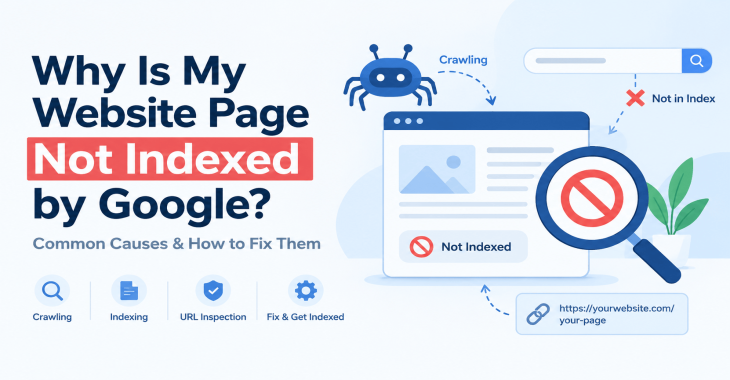
Why Is My Website Page Not Indexed by Google? 12 Reasons & How to Fix It
Posted ::2026-09-24
-
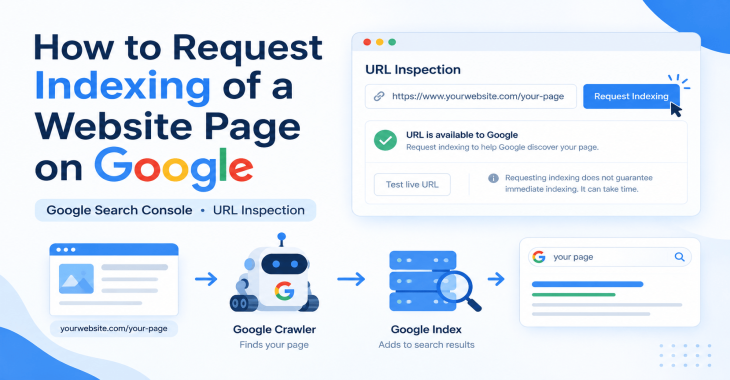
How to Request Indexing of a Website Page on Google?
Posted ::2026-09-19
-
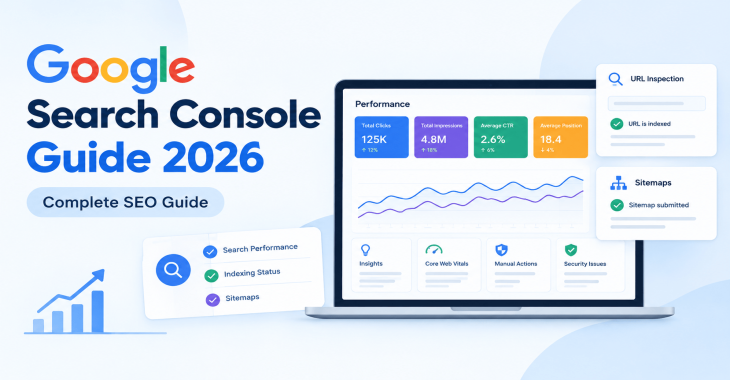
Google Search Console Guide 2026: Complete Beginner’s Guide
Posted ::2026-09-18
-
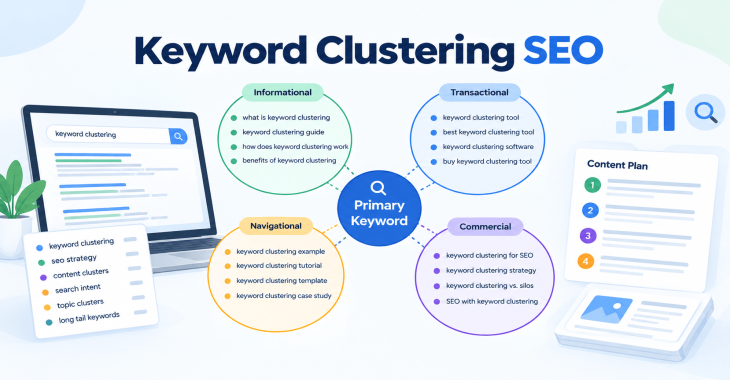
Keyword Clustering SEO: How to Group Keywords for Better Rankings
Posted ::2026-09-12
-
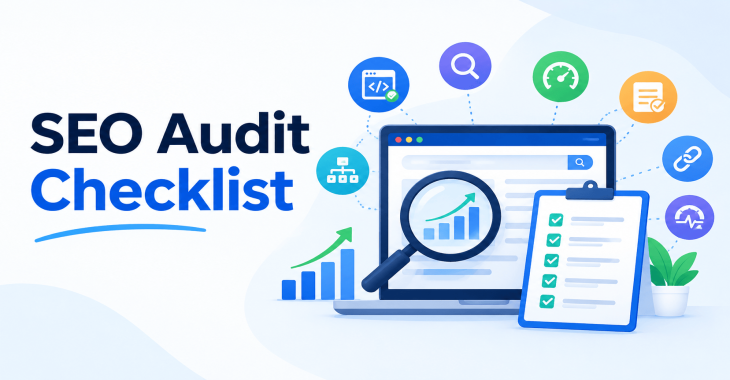
SEO Audit Checklist: 50+ Steps to Audit Your Website
Posted ::2026-09-11


Our FAQ’s
What is digital marketing?
Digital marketing involves marketing to people using Internet-connected electronic devices, namely computers, smartphones and tablets. Digital marketing focuses on channels such as search engines, social media, email, websites and apps to connect with prospects and customers.
What does a digital marketer do?
Digital marketing has evolved to the point where an immense array of specialists consult with brands to develop effective strategies or implement programs. If you’re new to digital marketing, or lack experience or resources, you should consider engaging an experienced and versatile digital marketing consultant.
Would my business benefit from digital marketing?
Definitely. Though companies in many business categories continue to approach digital marketing with skepticism, avoiding digital marketing denies your business access to the media the majority of consumers turn to first and at all hours of the day.
What’s the biggest mistake digital marketers make?
Blowing their own horn. Yes, of course, the primary goal of marketing is to create leads. However, in the age of digital media a brand-centric, salesy approach deflects interest in your company. Make your marketing customer-centric. Second biggest mistake: Far too often, digital marketers start and stop. You need to contribute a steady flow of content to the channels you use.
How often should I update my website?
Websites that go for long periods with no updates and new content are unlikely to perform well or support any useful digital marketing objectives. Though a static website technically qualifies as a website it’s bound to be more than a digital brochure that produces little or no leads.
What do I need to know about mobile?
Mobile phones are the most used technology in the world. Most of your prospects spend the majority of their media time—and hours—using a smartphone. Mobile marketing focuses on mobile strategies like messaging, mobile applications, and mobile websites. A brand that ignores mobile marketing is doomed.
What is content marketing?
Content marketing is the creation and distribution of educational and/or entertaining information assets for the purpose of generating brand awareness, traffic, leads and sales. Marketing content is generally free and does not explicitly promote your brand as an ad would.
What’s involved in creating a content marketing strategy?
A content marketing strategy is a plan for building an audience. Elements of content marketing strategy include establishing objectives, audience personas, a value proposition, content marketing mission statement, a buyer journey map, and plans for creating, promoting and analyzing how content marketing assets and programs perform.
Do I need a blog?
Email, social media, search and other elements of your digital marketing mix will depend on delivering useful content. Though video outlets, podcasts, and media galleries present other options, a blog is by far the most used tactic for distributing marketing content on a channel over which you have complete control.
What content should we create?
There can be no all-encompassing answer to this question except to say you should create content buyers will find relevant and useful. Leading candidates include blog posts, articles, ebooks, infographics, microsites, videos, courses, case studies, newsletters, visuals and various forms of interactive content.
What is SEO?
Search engine optimization (SEO) is the process of using onsite and offsite tactics to help get content presented by a search engine. Done well, the practice increases the quantity and quality of your traffic.
Why is SEO important?
The majority of web traffic is generated by search and those that come by way of search have a greater degree of commercial intent than most other channels.
What is local SEO?
Local SEO is the process of optimizing your online properties to generate traffic from location-based searches. It helps businesses promote products and services to local customers when they need them.
What are keywords?
Keywords are the words and phrases searchers use—usually with search engines—to find relevant pages, images, videos, or any kind of information when looking for answers, knowledge, products, or services. SEO professionals consider keywords and the topics they suggest when optimizing content for search.
What determines search engine rankings?
This question is the source of endless speculation and debate because search engine companies such as Google will not answer it. Experts generally agree rankings are based on relevance and authority, but the factors that determine them are many—and inconsistent. The best way to achieve a high search engine ranking is to create one of the most thorough web pages possible for a specific keyword or topic.
What is PPC?
PPC stands for pay-per-click. Essentially, it’s a way of buying web traffic. Advertisers pay a fee each time one of their ads is clicked. Search engine advertising is the most popular form of PPC, however numerous channels including Facebook now offer PPC ad models.
Why is social media important?
Chances are your audience is active on one or more of the major social networks where billions of people spend time daily. Brands that understand the power of social media marketing and commit resources to it can boost awareness, drive traffic, interact with customers, drive sales, build loyalty, and win advocates.
What is a lead magnet?
A lead magnet is a free offer you make in exchange for an email address (and possibly additional information). The purpose is to inspire prospects to join your email list by offering something of value. Examples include an ebook, guide, report, assessment, cheat sheet, tool, template, webinar, course, or a coupon.
What is a call to action?
A call to action (CTA) is a prompt that instructs the viewer to take a specific action. A call to action is typically written as a command, such as “Buy Now.” In digital marketing a CTA generally takes the form of a button or link.
How long does it take to see results?
Paid digital marketing programs should create results immediately. On the other hand, programs such as content marketing, email list building, and search engine optimization require persistence and patience. You might see some results in a matter of months; however, it’s likely to be six months to a year before you realize some of your traffic and conversion objectives.